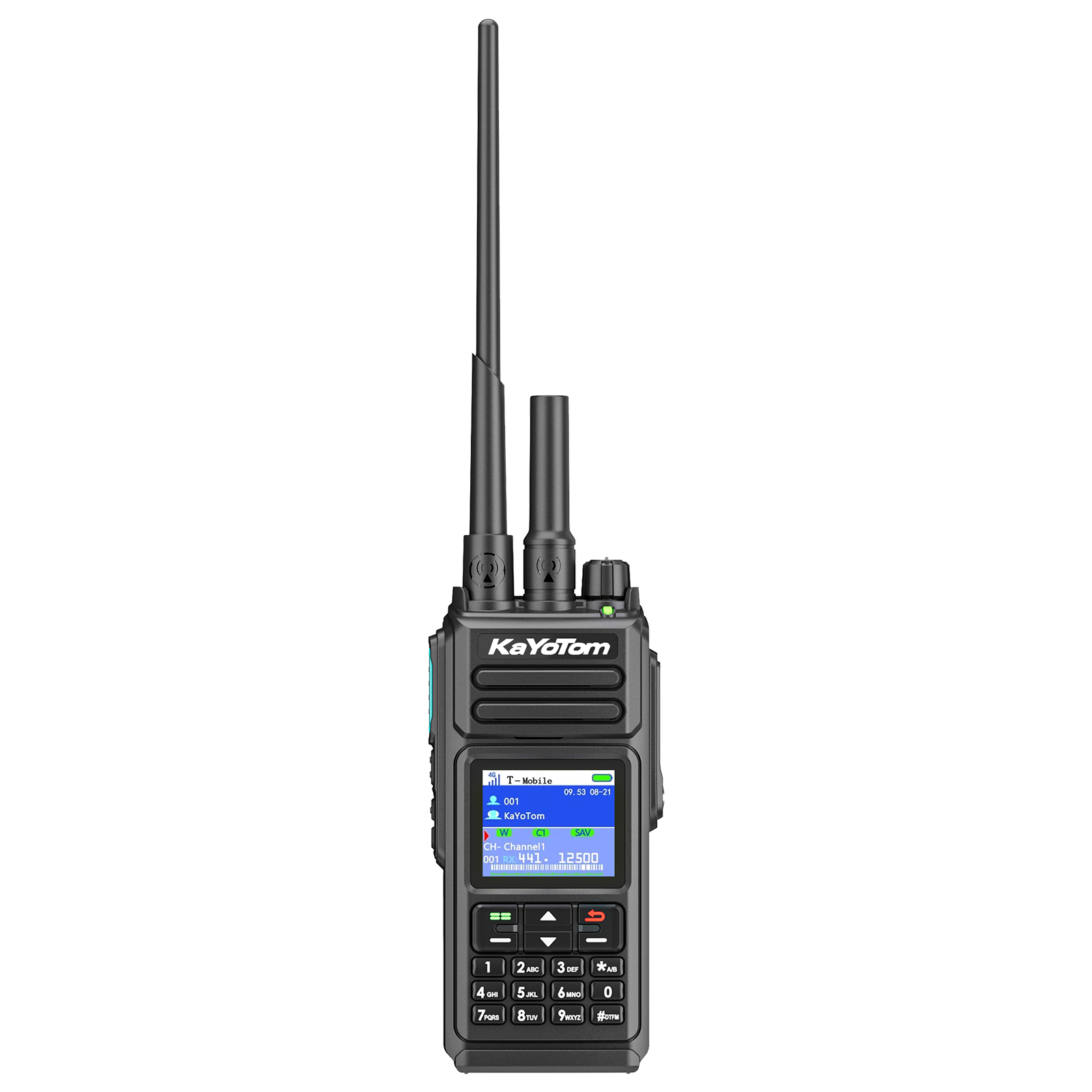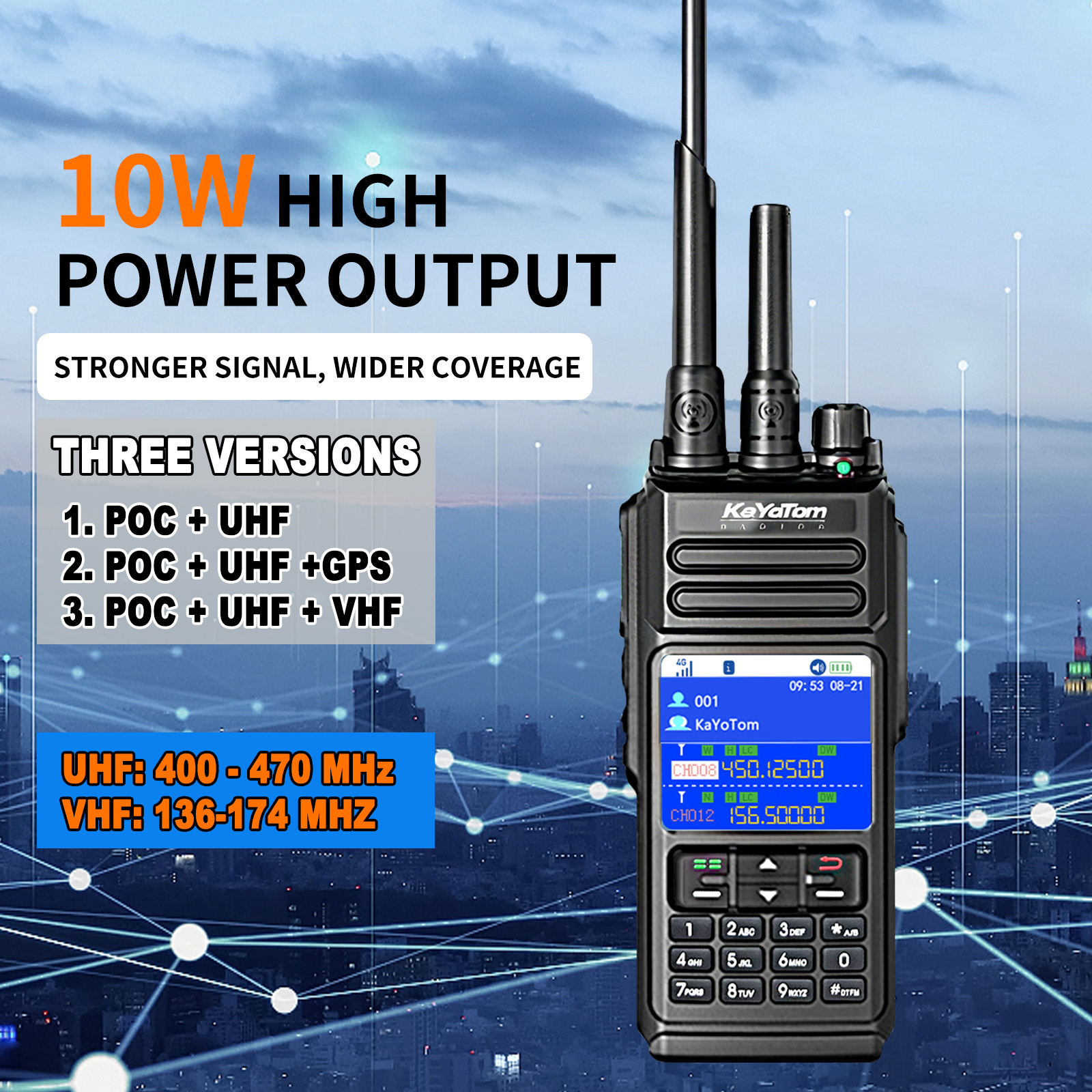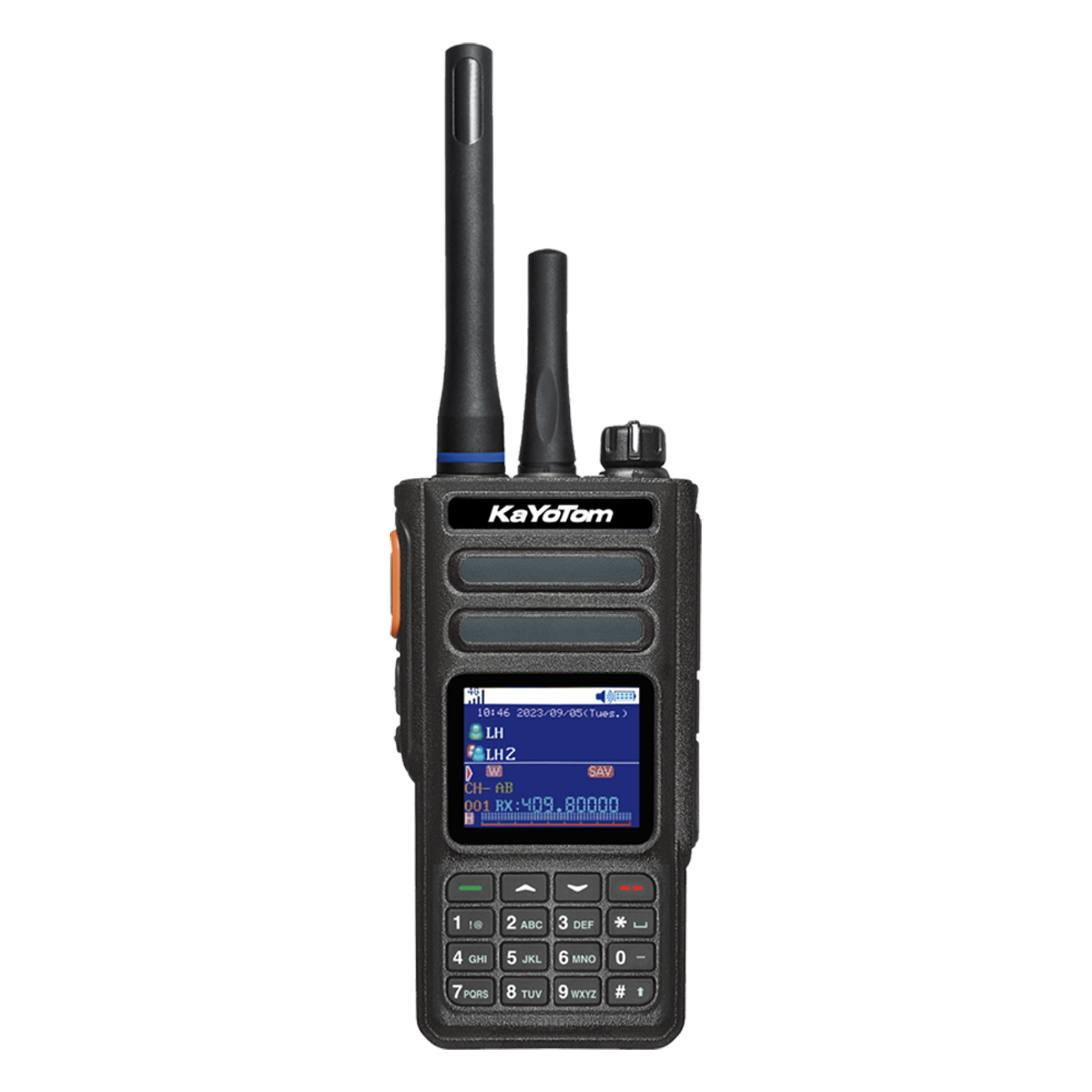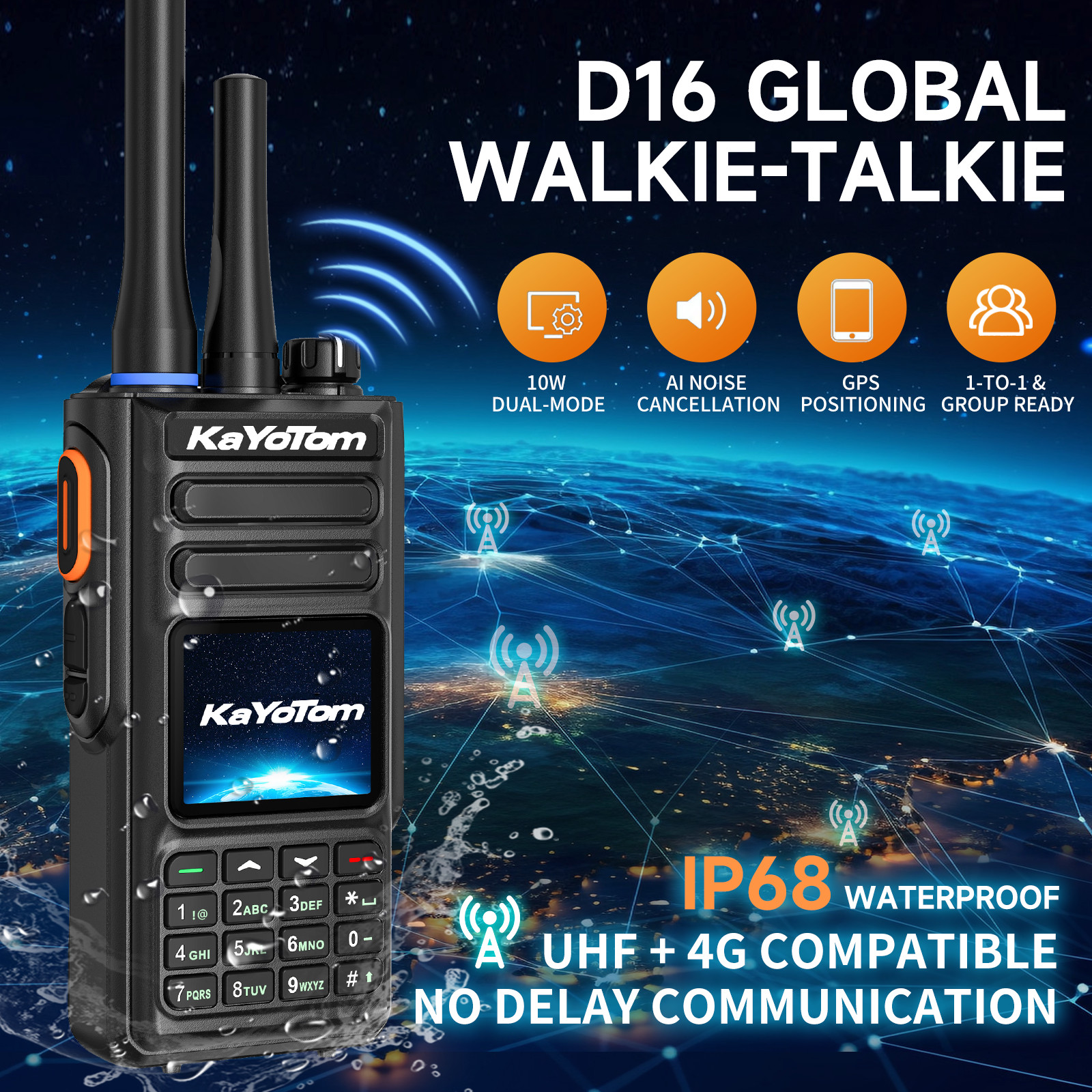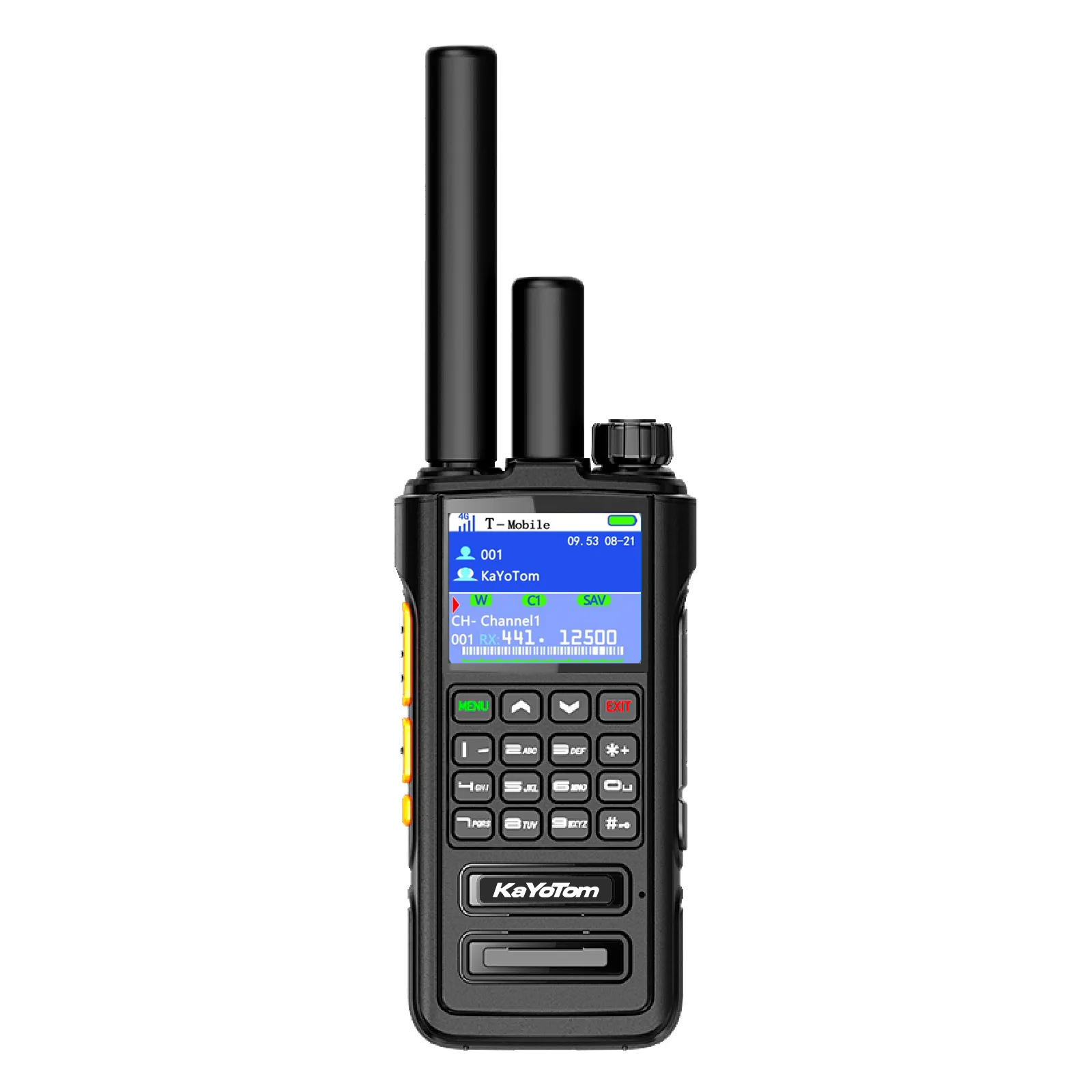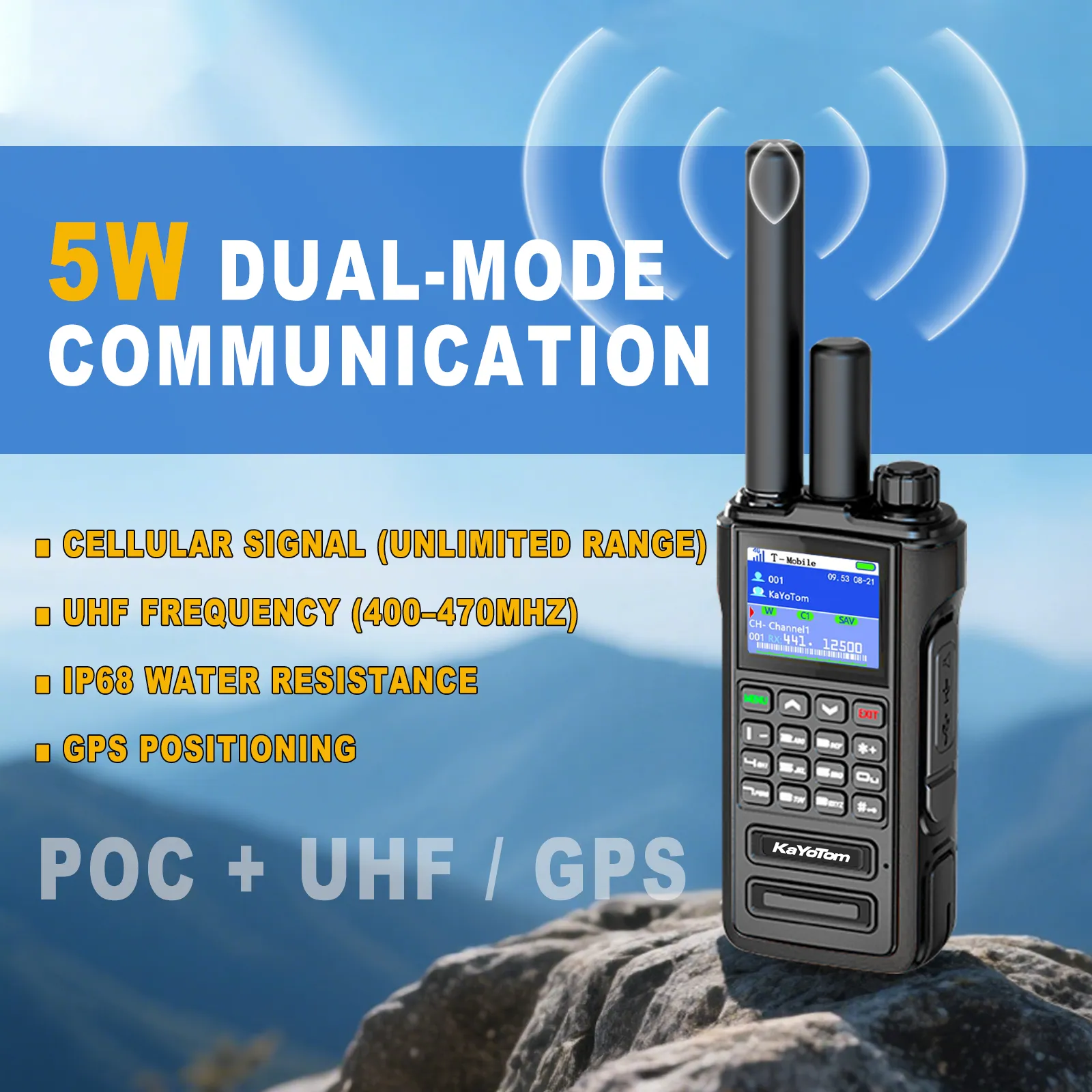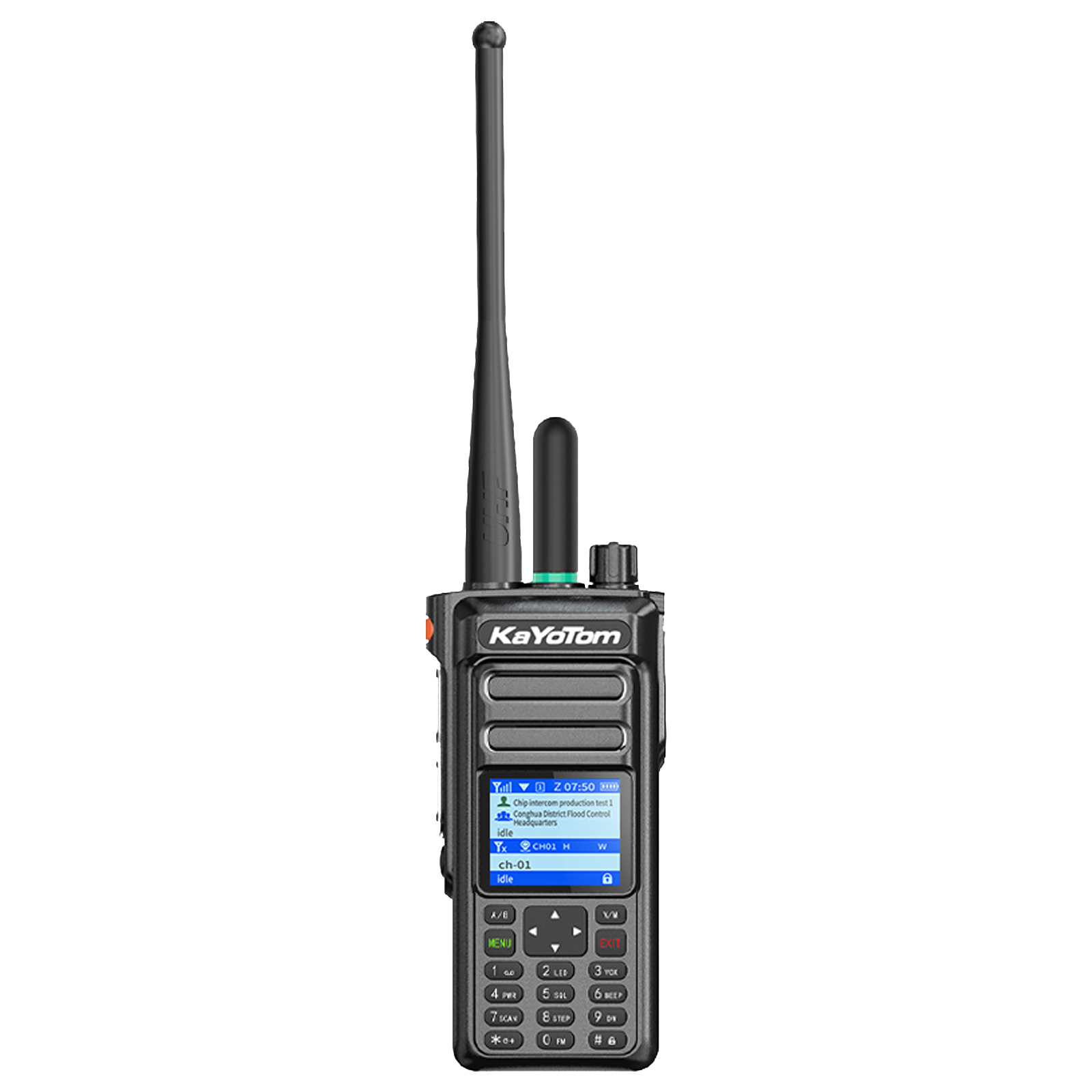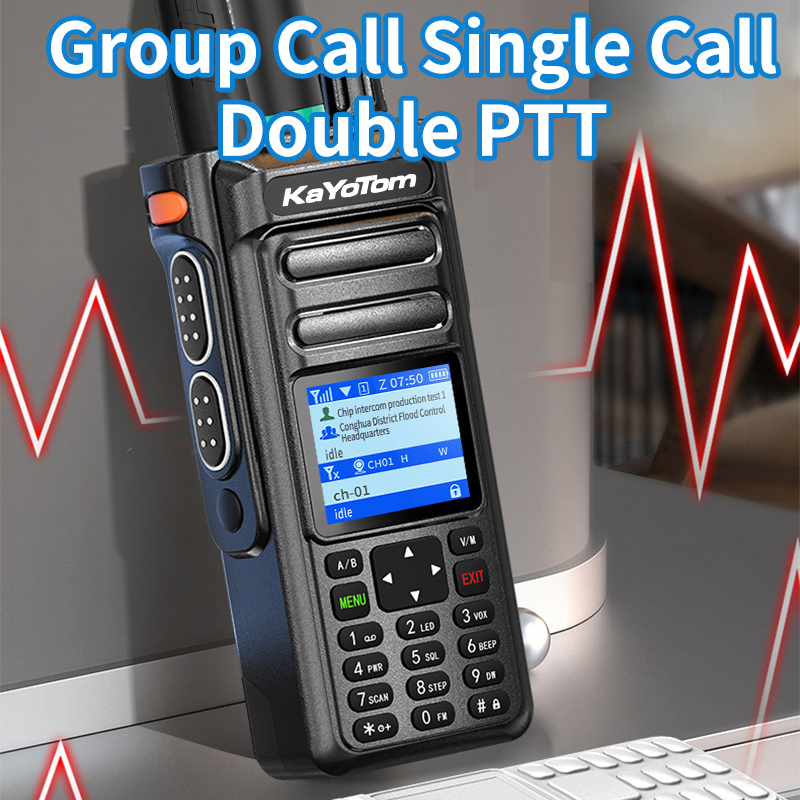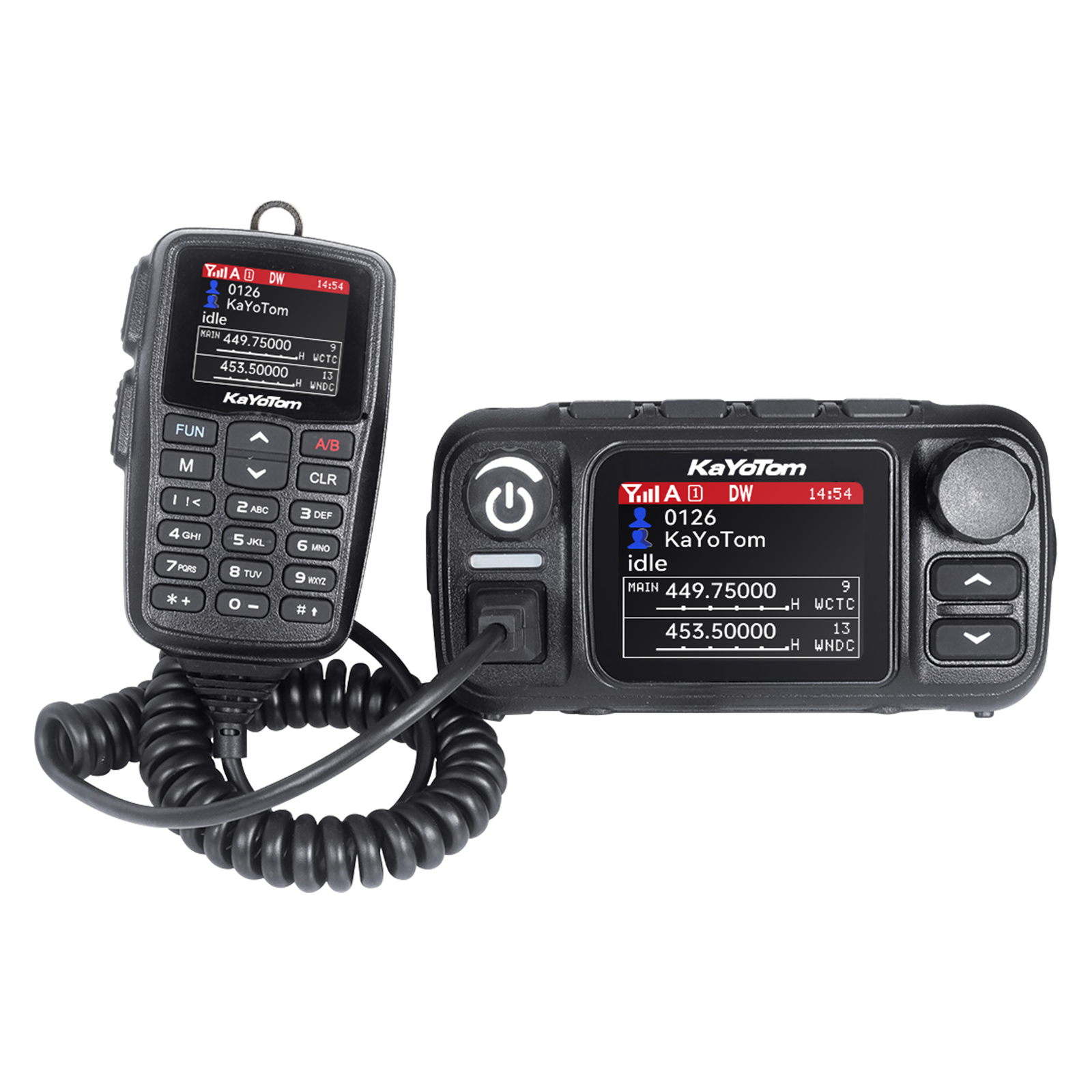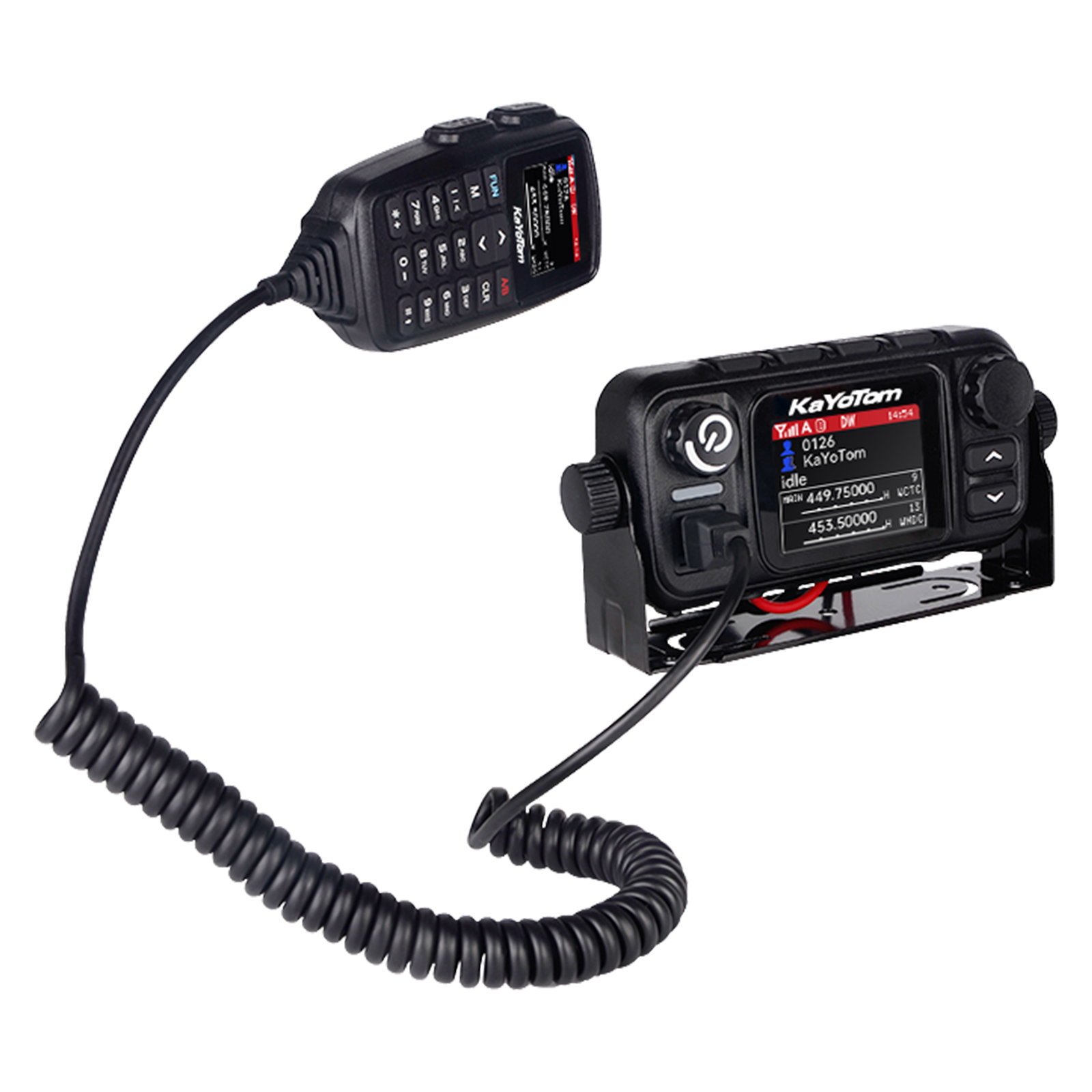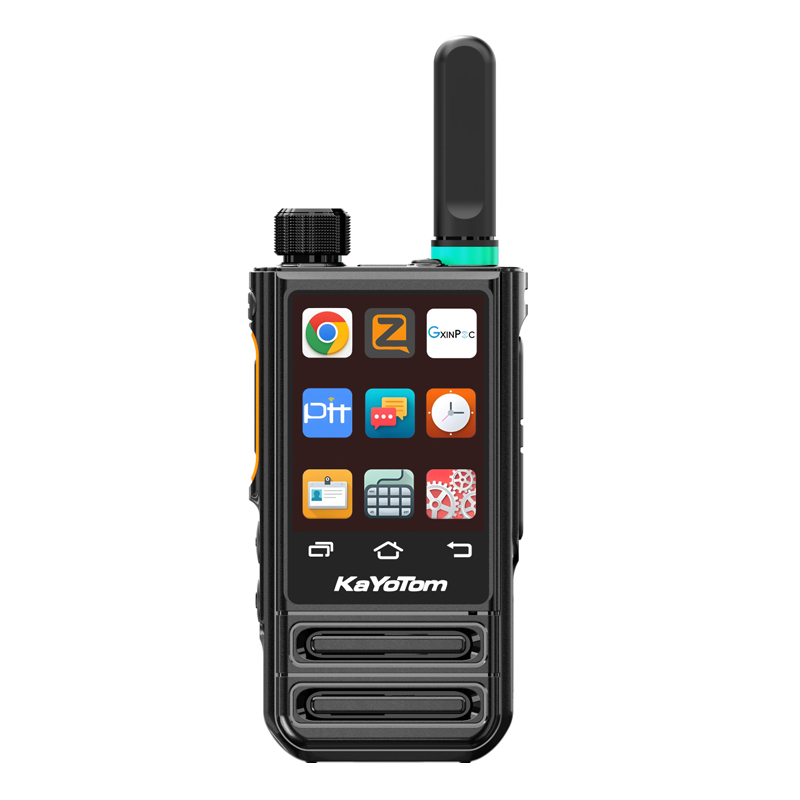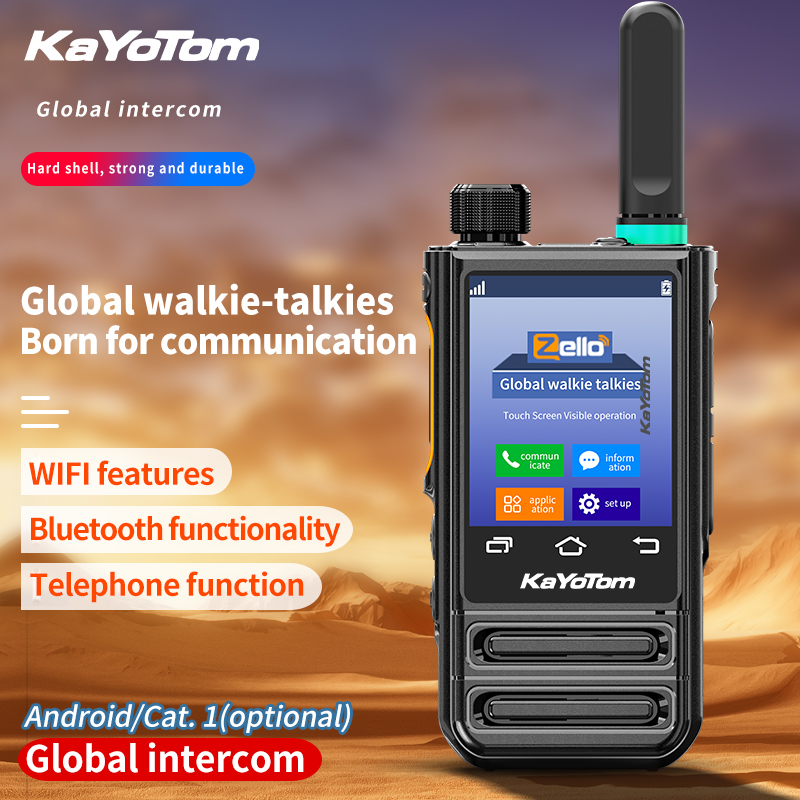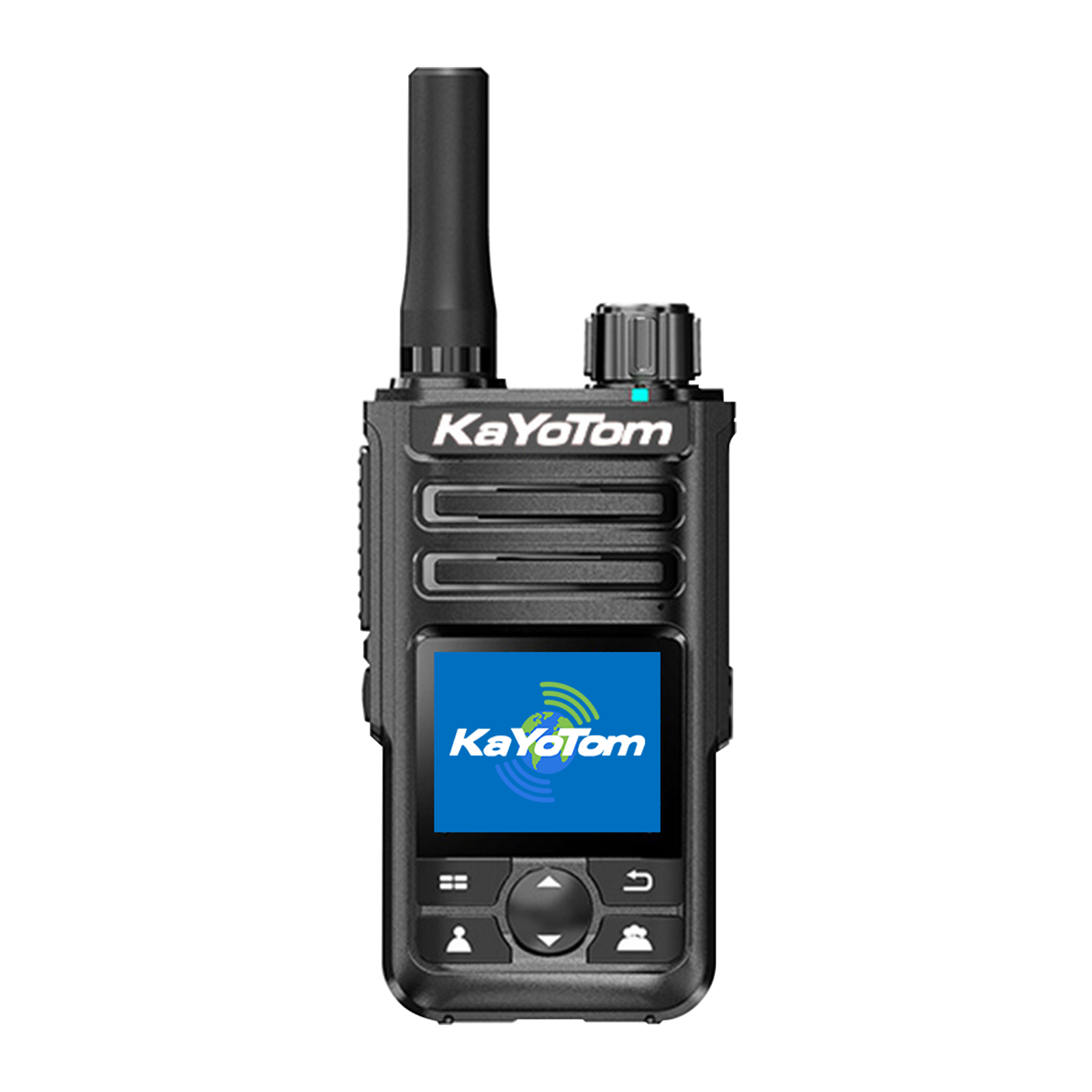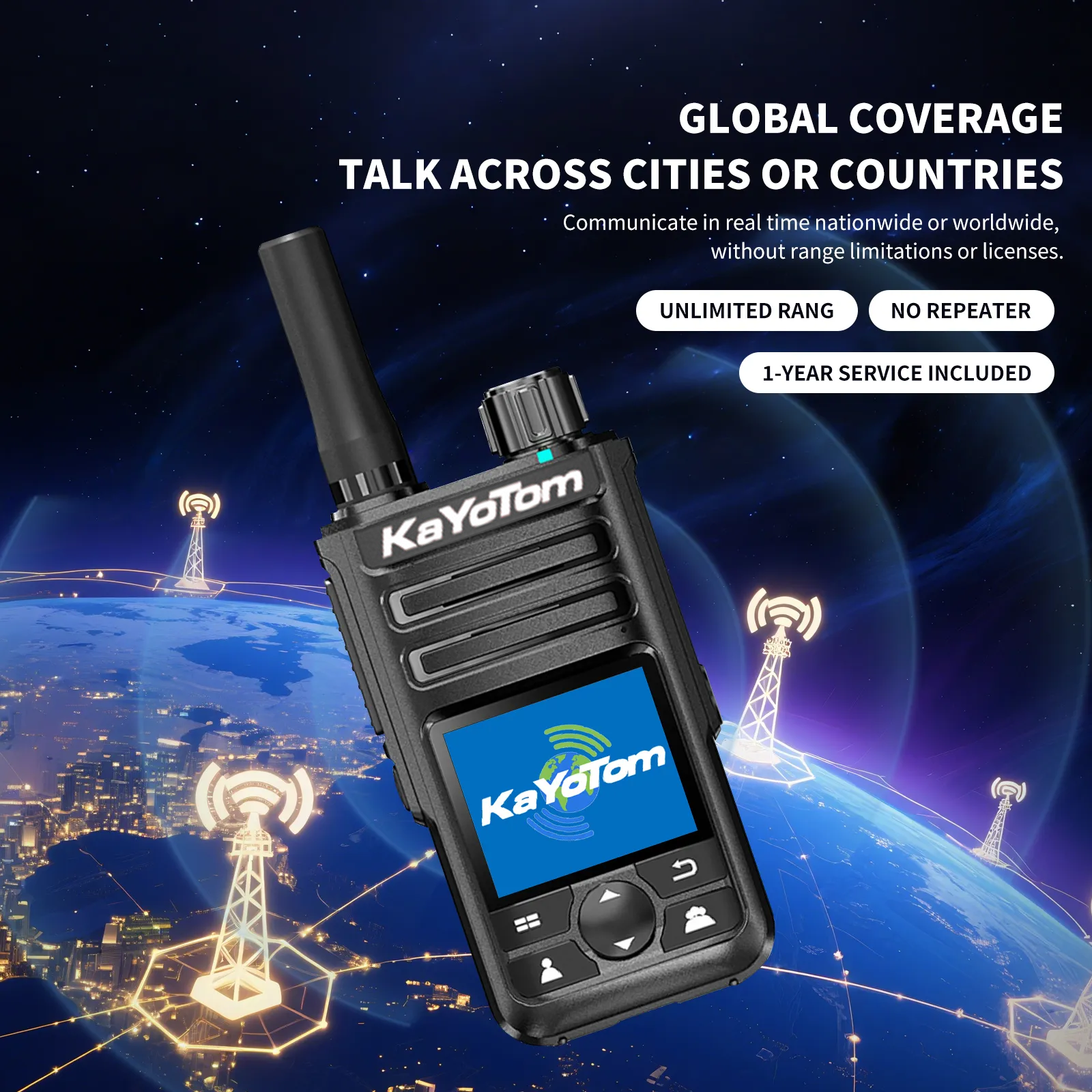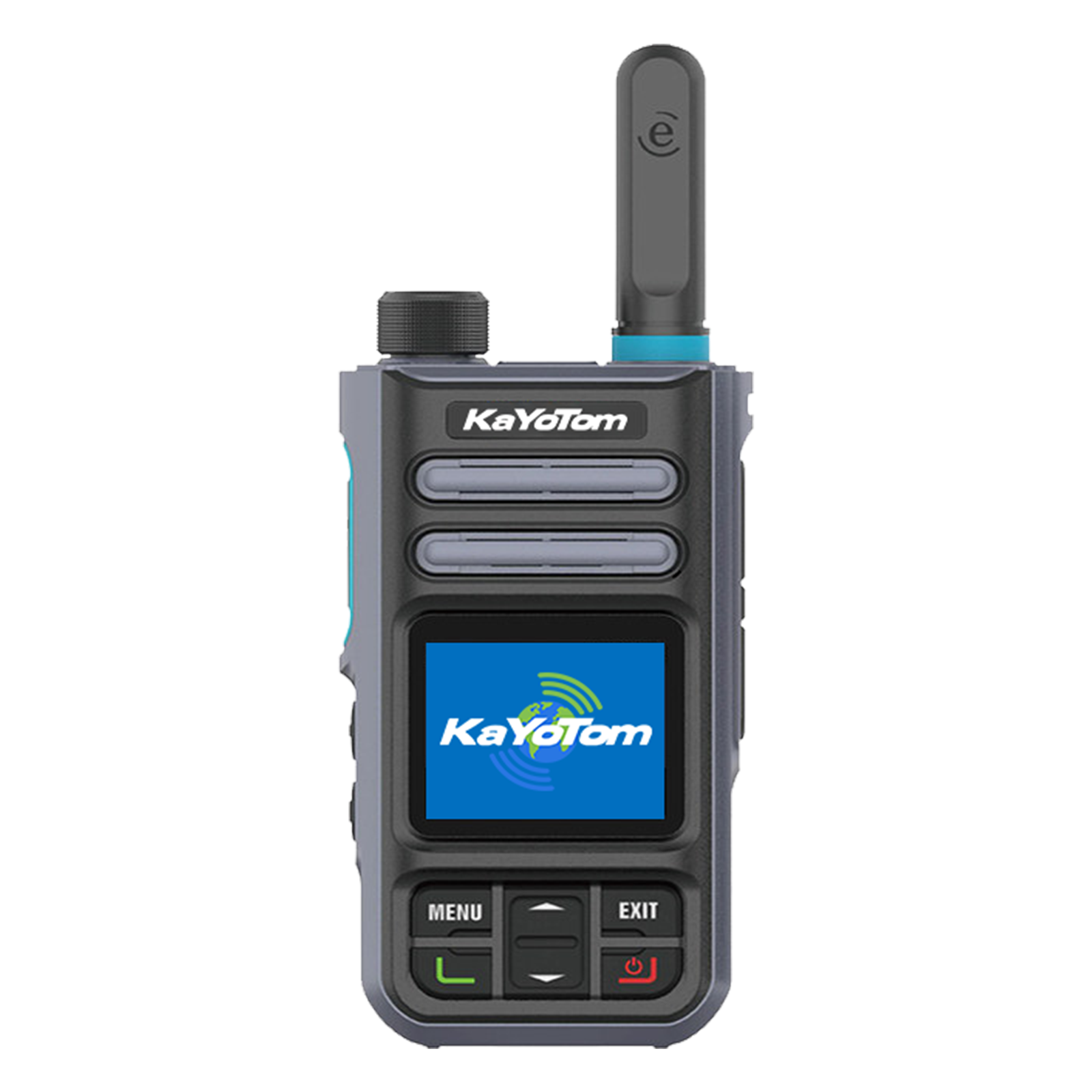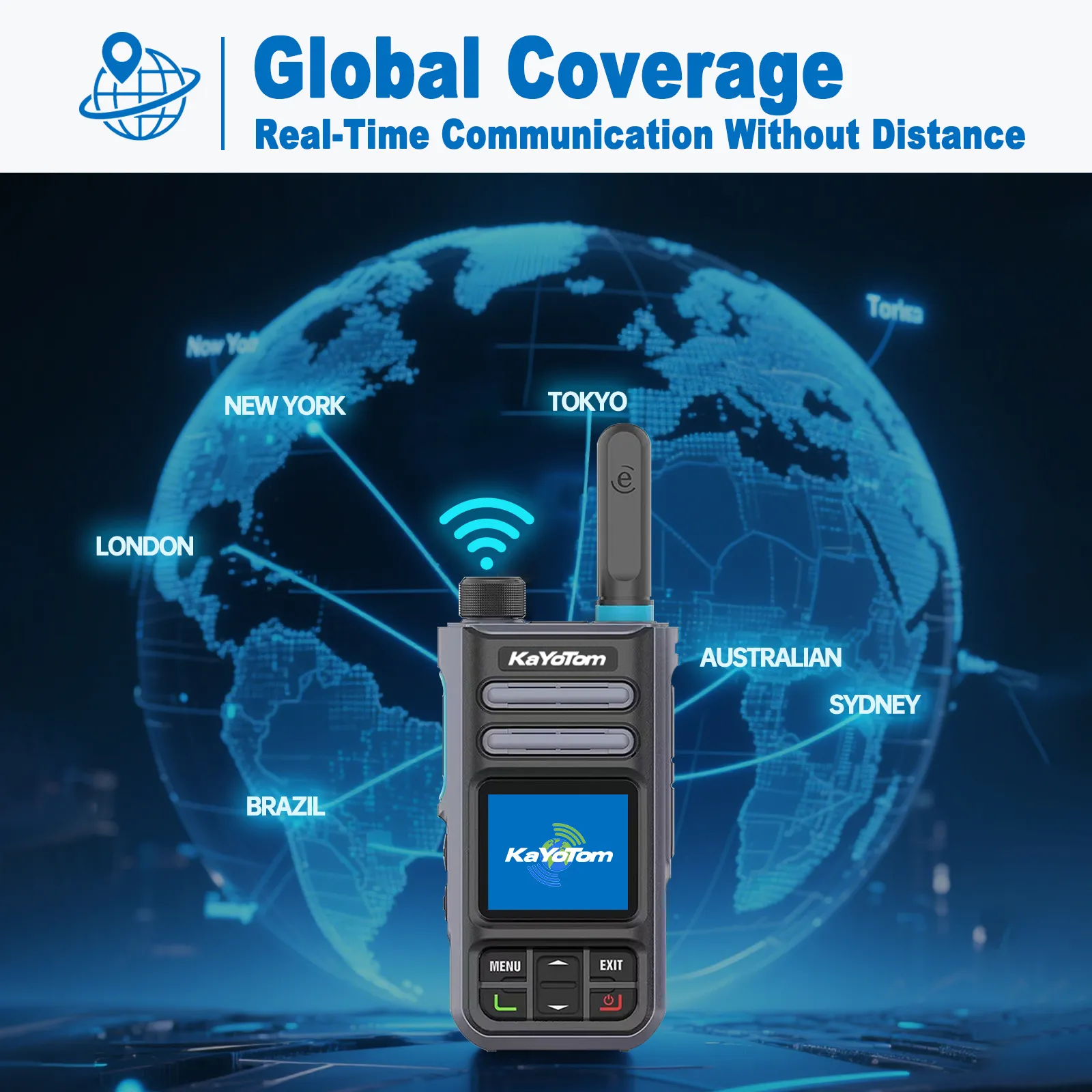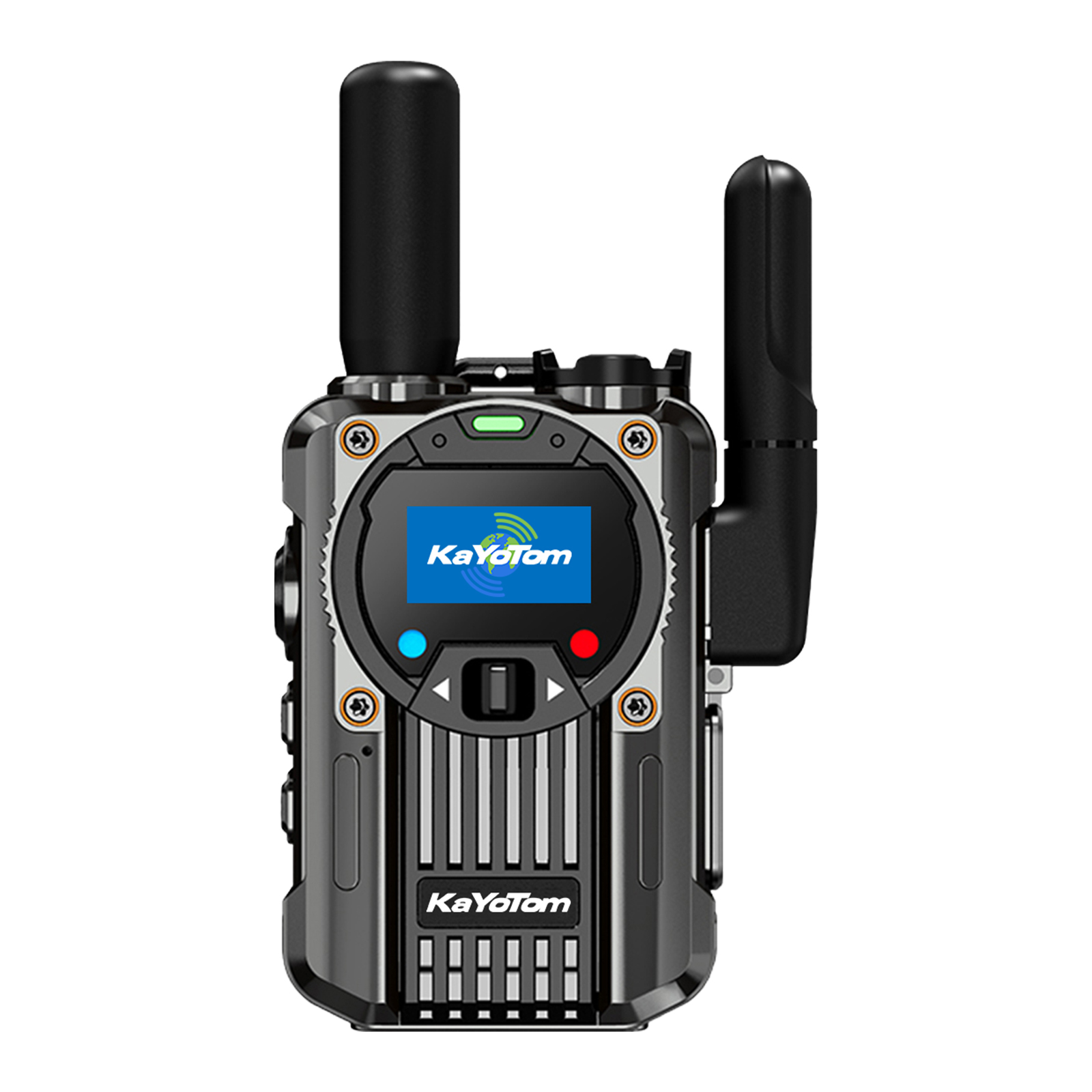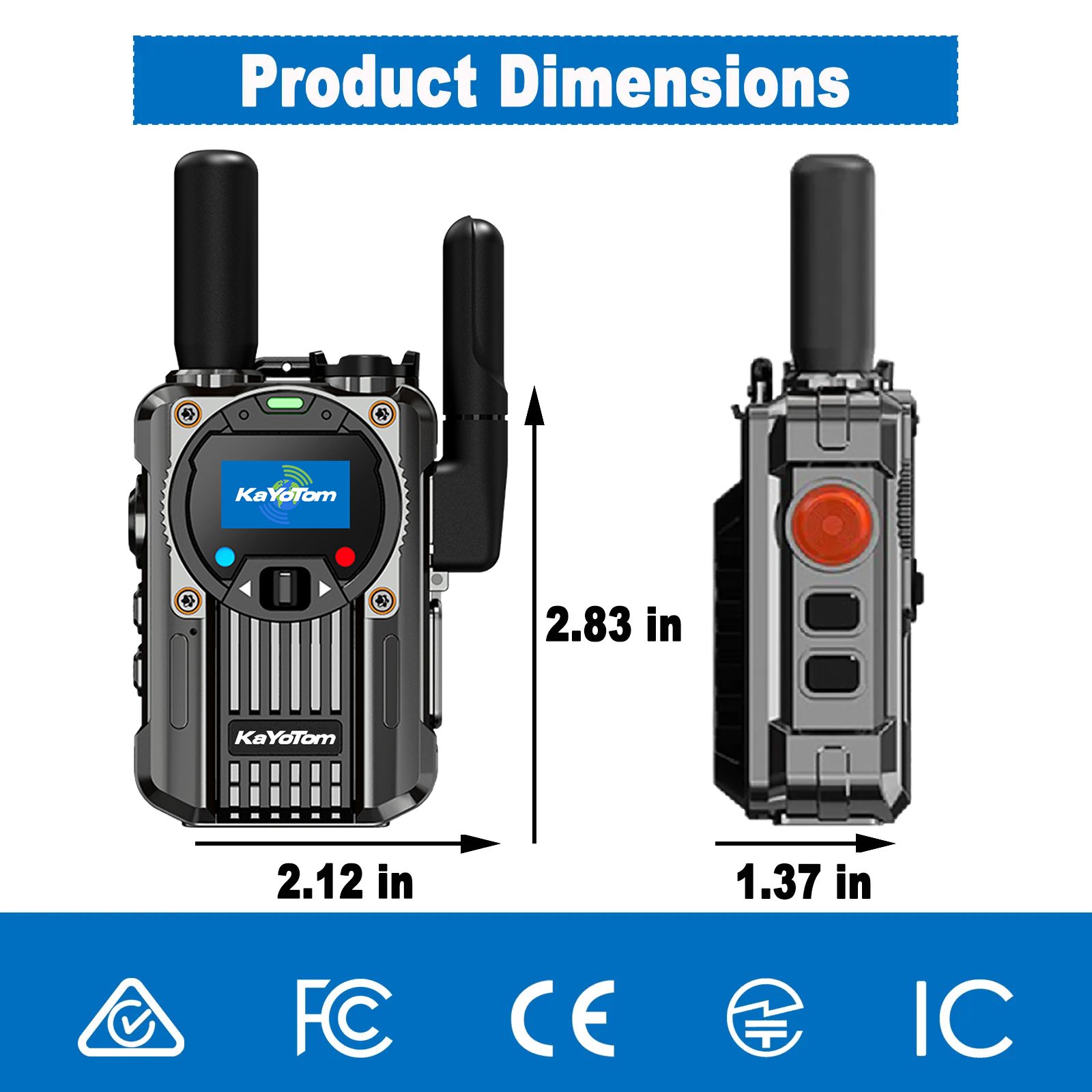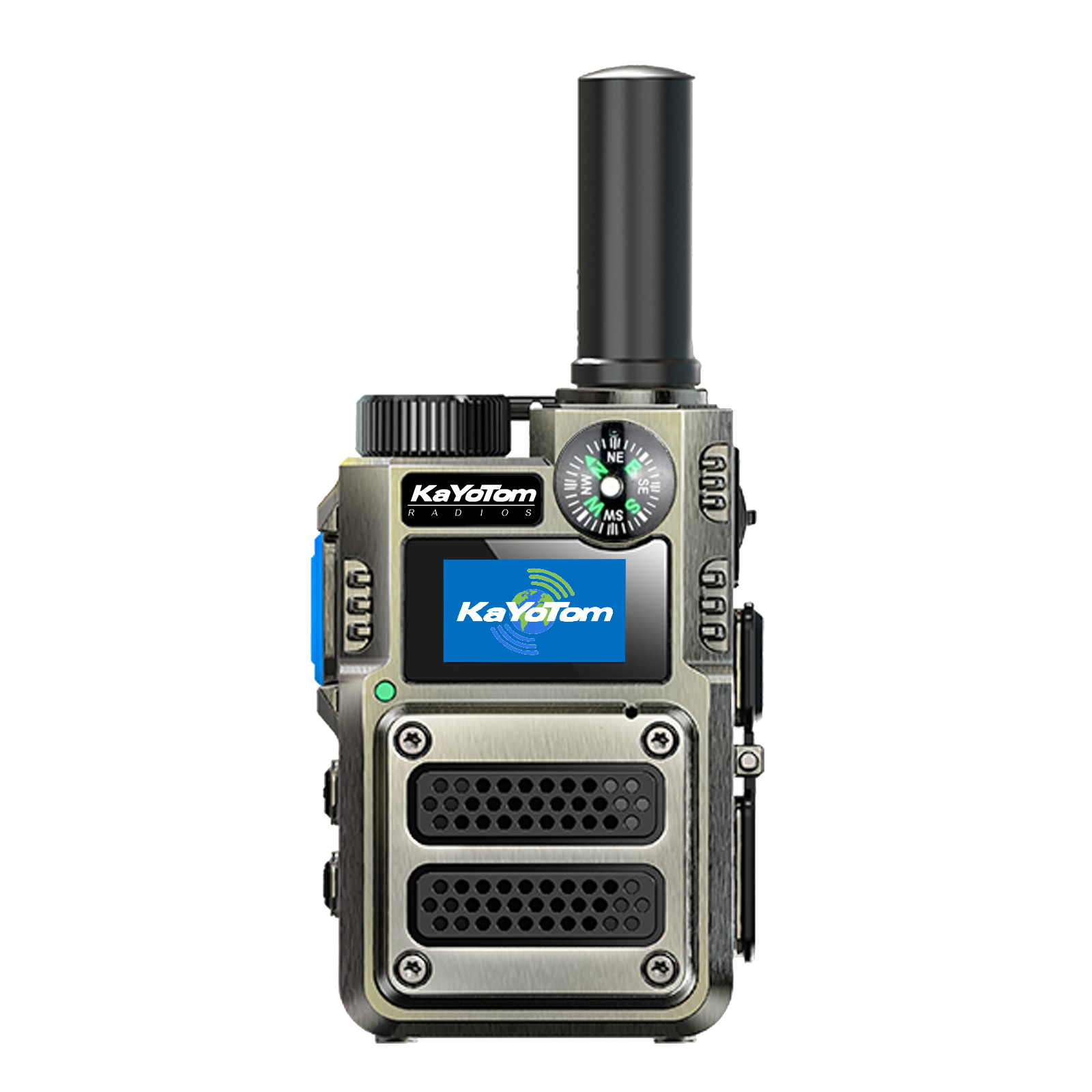

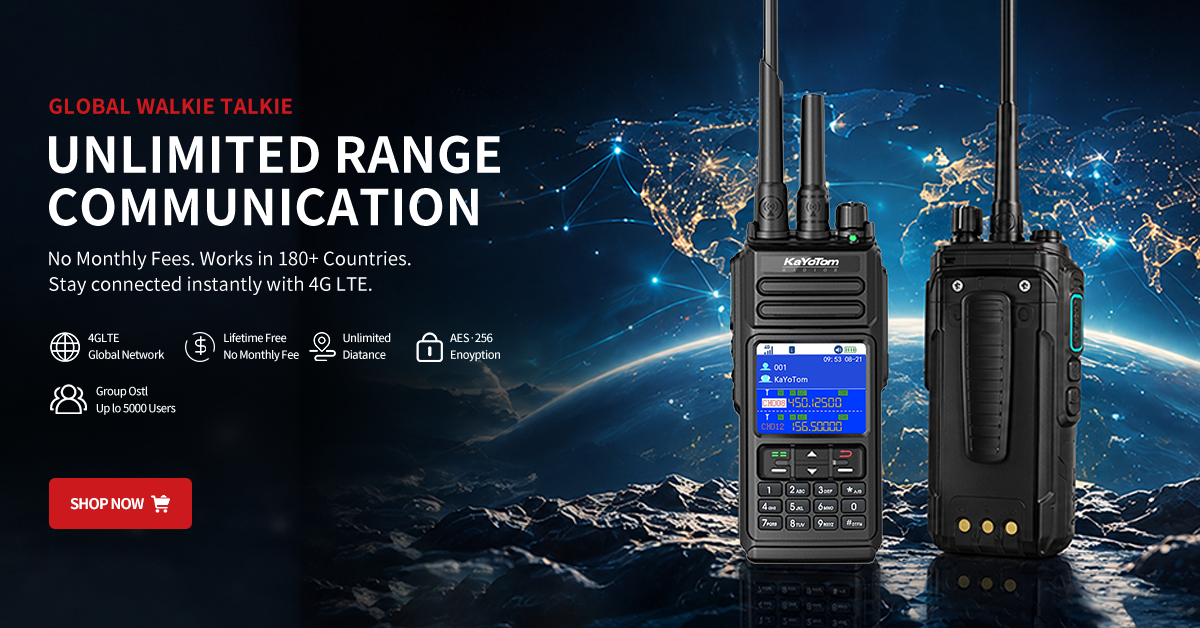
KaYoTom D10 is designed for "plug-and-play" reliability, but its advanced global features—such as cross-border roaming and fleet-wide group management—are controlled via a streamlined digital interface. This guide outlines how to optimize your D10 settings to ensure seamless communication whether you are operating locally or across international logistics routes.
Step-by-Step Optimization Guide
For fleet managers and professional teams, optimal performance relies on correctly configuring the device for your specific operational scope.
1. Initial Activation & Network Sync
Upon receiving your KaYoTom D10, the device automatically scans for the strongest 4G LTE signal.
-
Action: Power on the device in an area with 4G coverage. The unit will automatically register with the KaYoTom global PoC platform.
-
Verification: Ensure the status LED indicates a stable network connection before initiating your first PTT call.
2. Managing Cross-Border Roaming
If your operations extend beyond your home country, roaming must be managed through the KaYoTom backend.
-
Access: Visit the official KaYoTom website.
-
Selection: Navigate to the "Roaming Packages" section.
-
Activation: Use the dedicated upgrade link to select the appropriate data package for your destination. This is a one-time, on-demand activation, ensuring you only pay for the service when you need it.
3. Group & Channel Configuration
To minimize interference and maximize coordination:
-
Dedicated Channels: Use the management console to assign specific groups (e.g., "Dispatch," "Security," "Maintenance") to different channels.
-
Gateway Setup: If you are using the "Cross-Band Bridging" feature, ensure the D10 is set to "Gateway Mode" and tuned to the exact frequency used by your on-site analog radios.
Best Practices for Field Teams
| Optimization Tip | Operational Value |
| Firmware Updates | Keep the device synced via the backend to ensure compatibility with global 4G band updates. |
| Antenna Positioning | For 10W analog use, ensure the high-gain antenna is fully tightened to maintain maximum signal penetration. |
| Battery Management | The D10 is optimized for long shifts; charge fully before each duty cycle to ensure 24/7 connectivity. |
FAQ: Optimization & Troubleshooting
Q: Why does my device sometimes take a few seconds to register after crossing a border?
A: When crossing borders, the device performs a secure handshake with the new cellular tower to ensure data integrity. This is a standard process that typically completes in under 10 seconds.
Q: Can I manage multiple D10 devices from one central account?
A: Yes. The KaYoTom backend console is designed for enterprise-level fleet management. You can push configuration updates, channel assignments, and roaming packages to hundreds of units simultaneously.
Q: How do I know if my international roaming package is active?
A: You can check the "Current Subscription Status" in your backend console. If you have recently used the official website upgrade link, the status will reflect the active roaming region and remaining data capacity.